

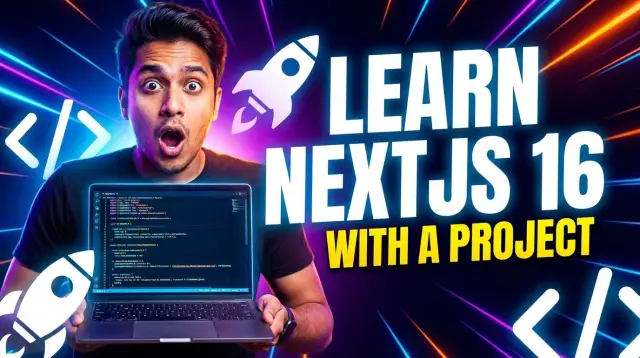
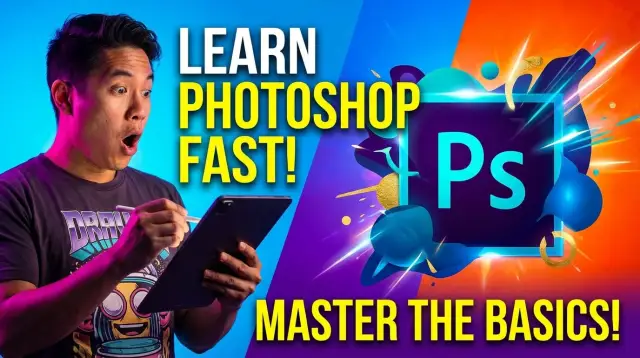


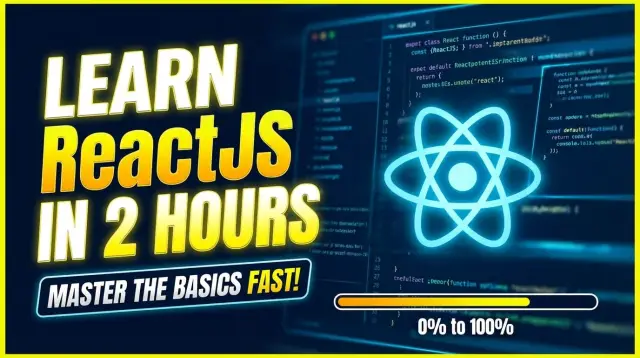


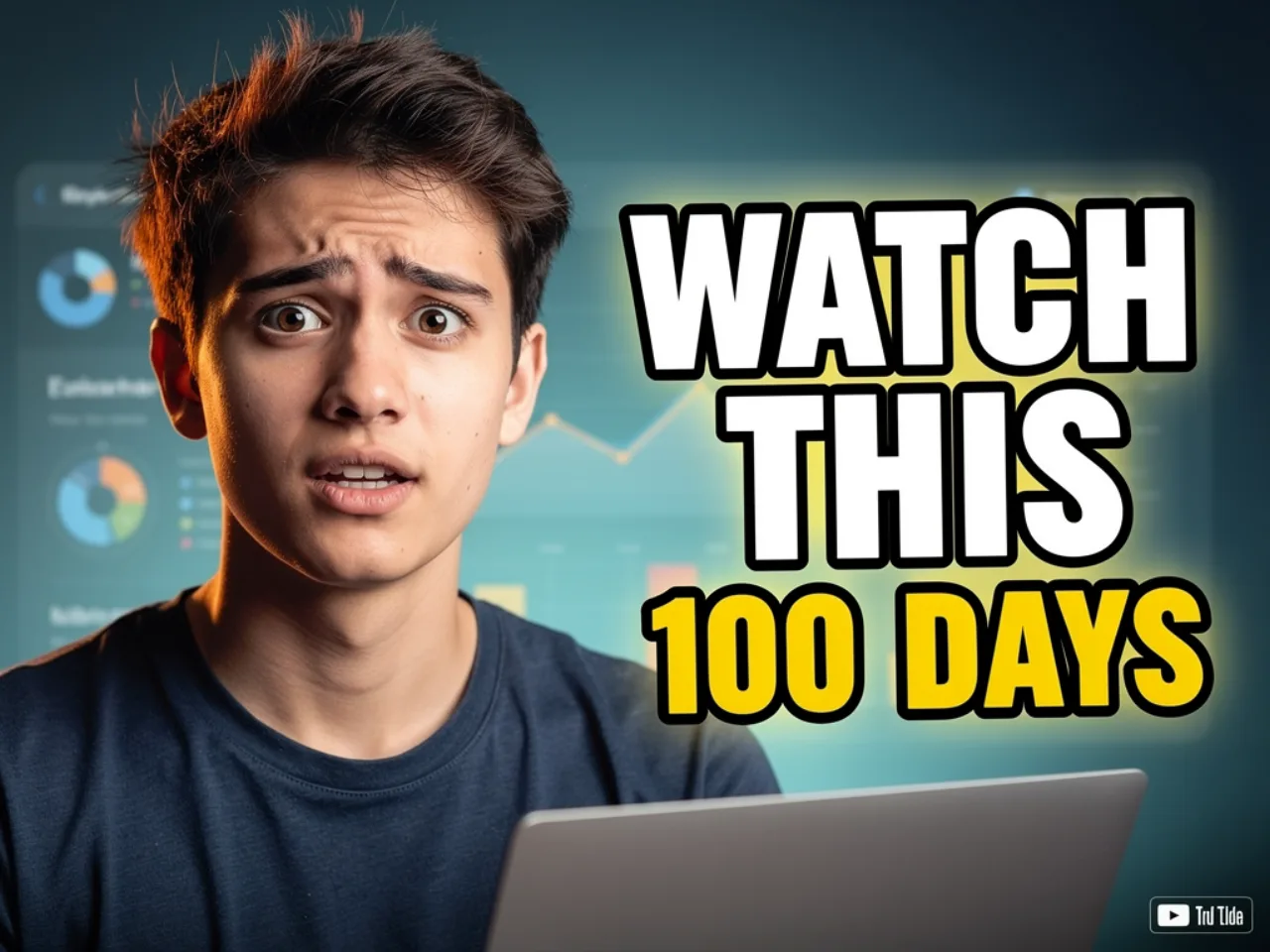




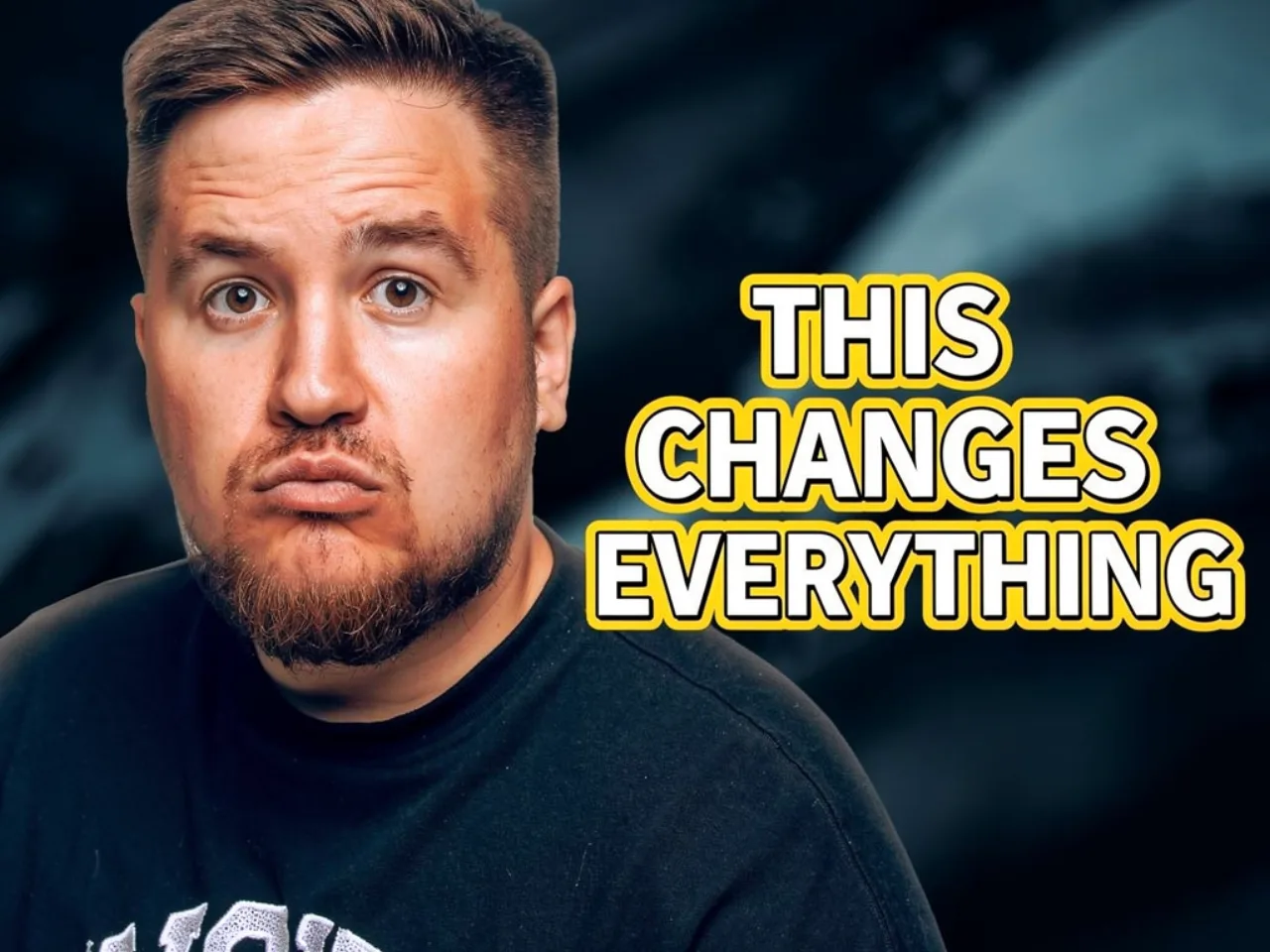
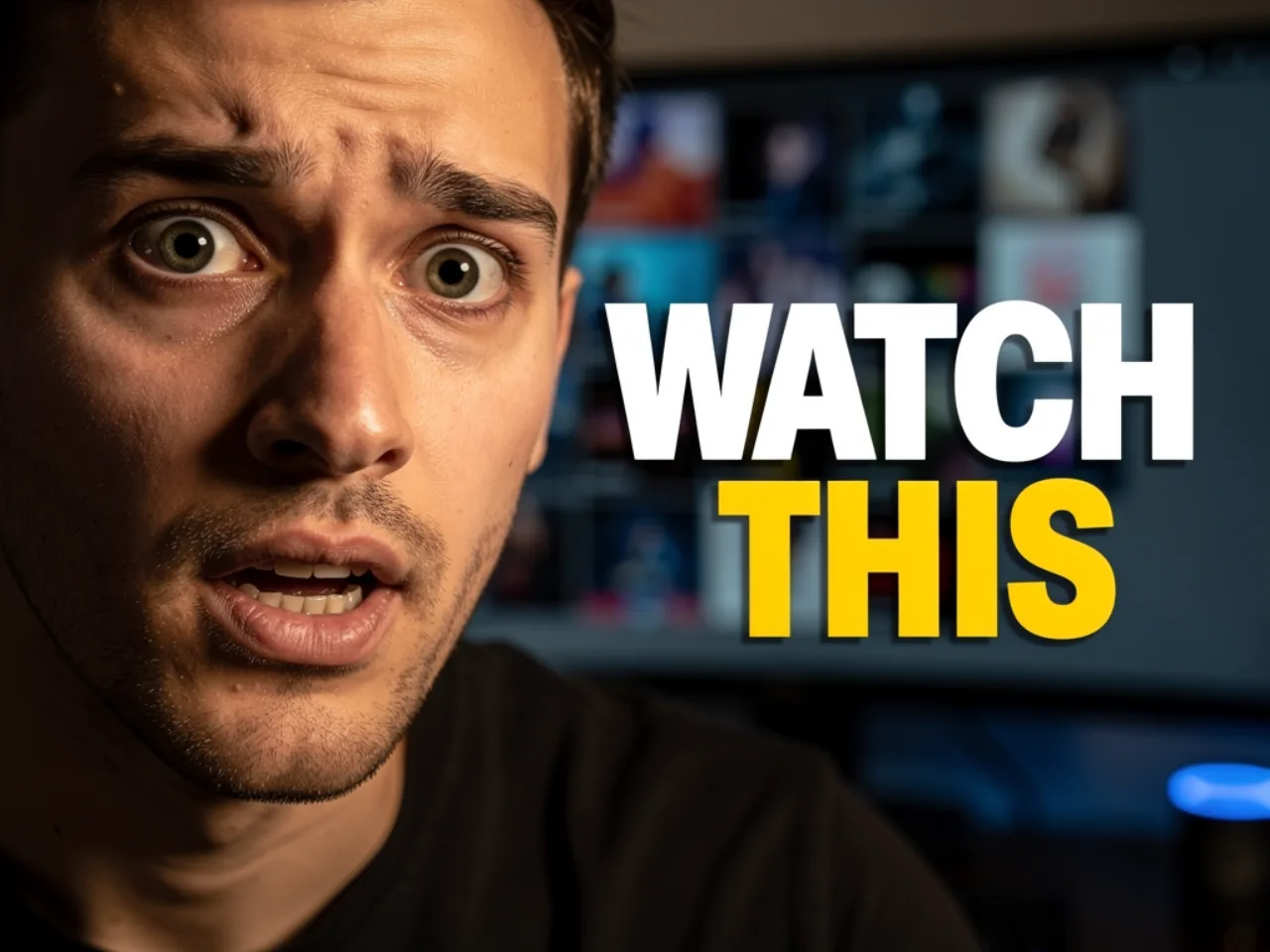



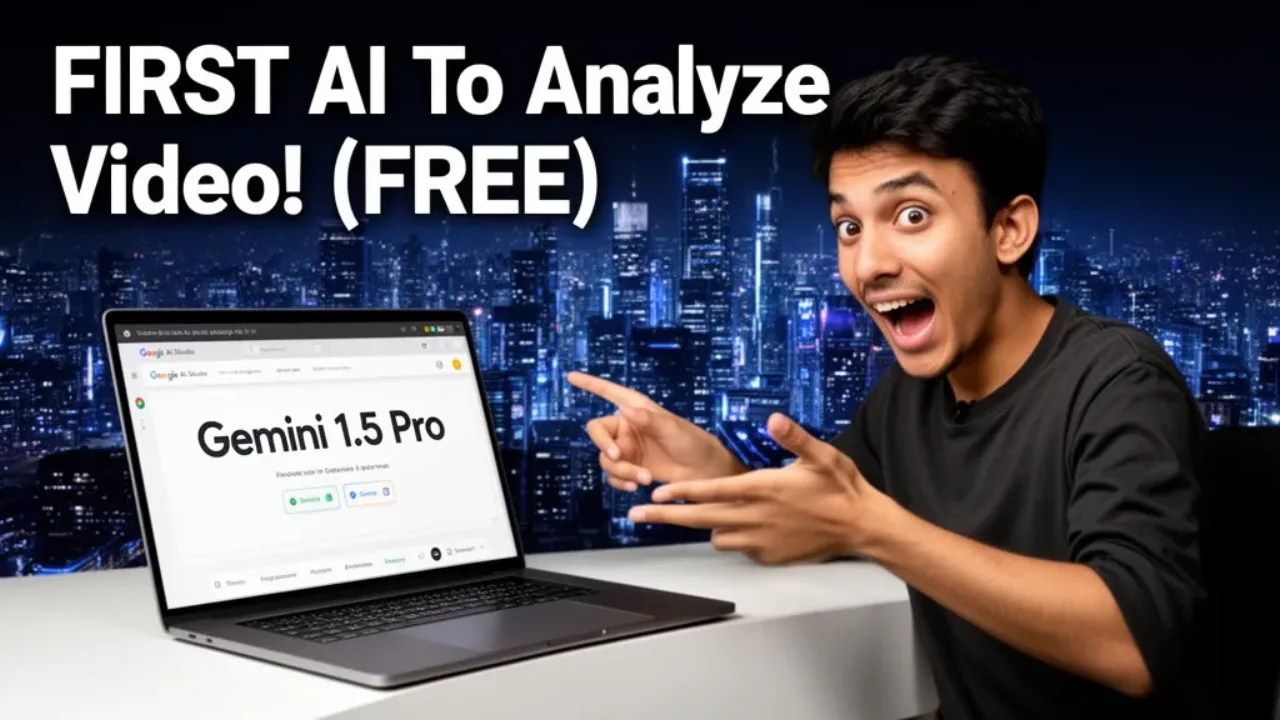

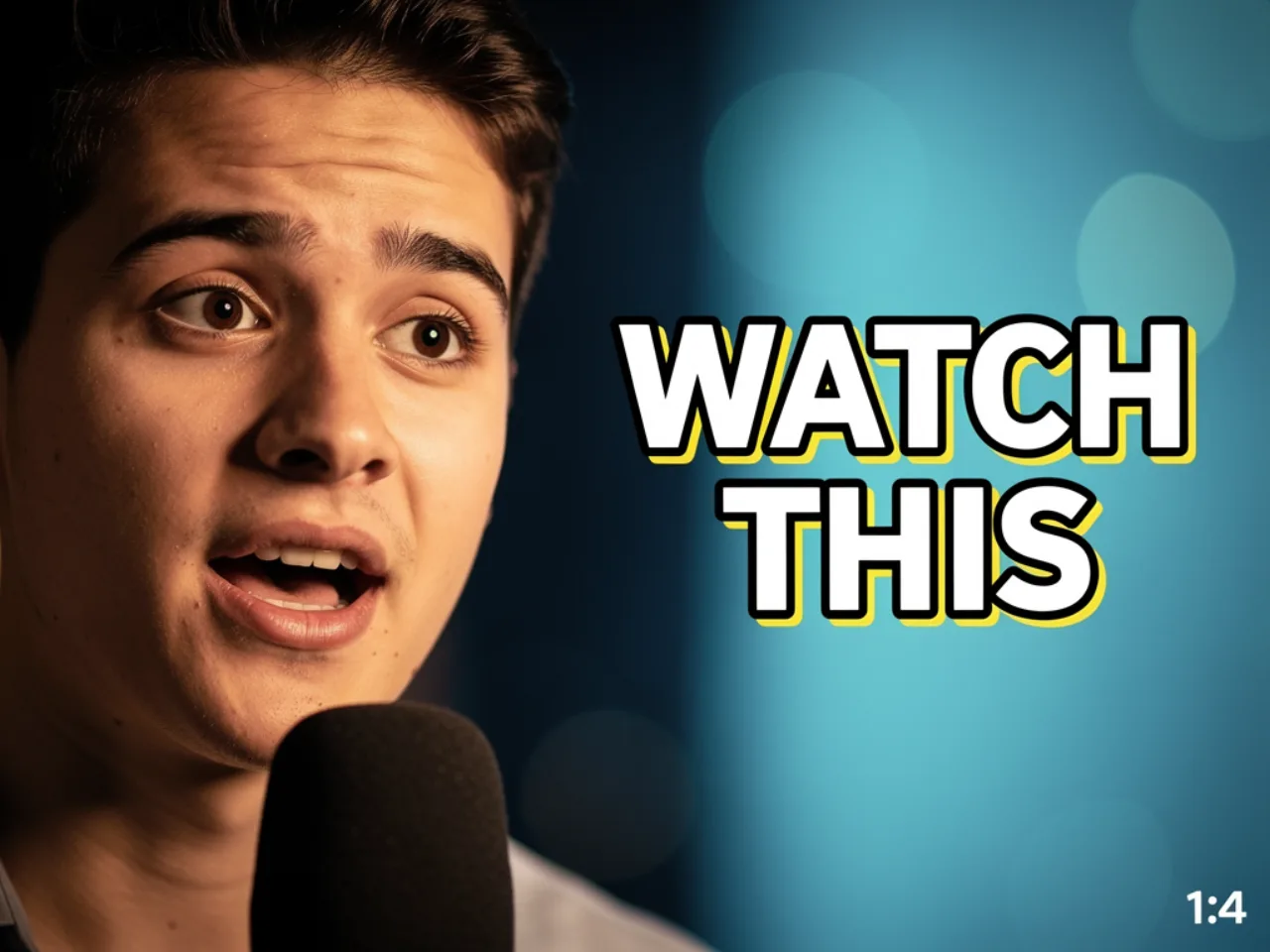
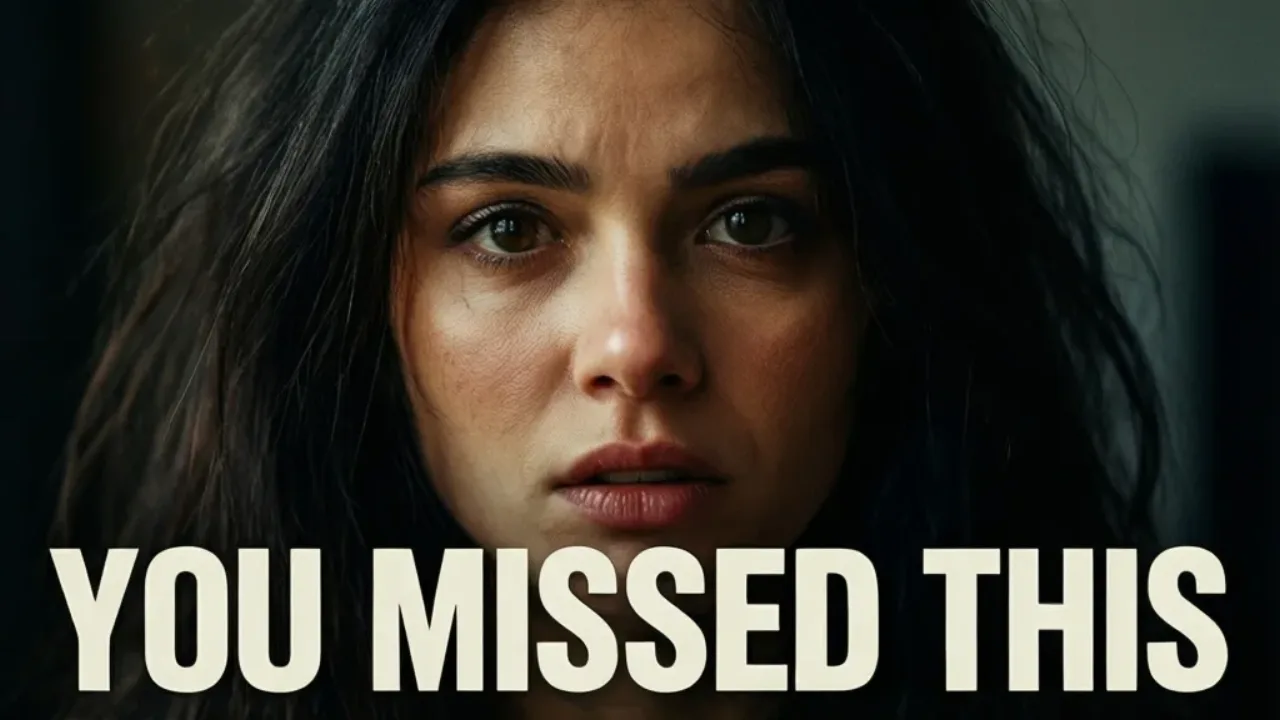

YouTube thumbnail studio
Create Thumbnails That GoViral in Seconds with AI
Stop wasting hours designing thumbnails. Generate high-CTR, creator-worthy designs in under 60 seconds. Built for YouTubers who upload weekly and want more views without the busywork.
3 free starter credits · no credit card required.
The Ugly Truth About YouTube Thumbnails
The most important part of your whole video is ALSO the most difficult to get right...
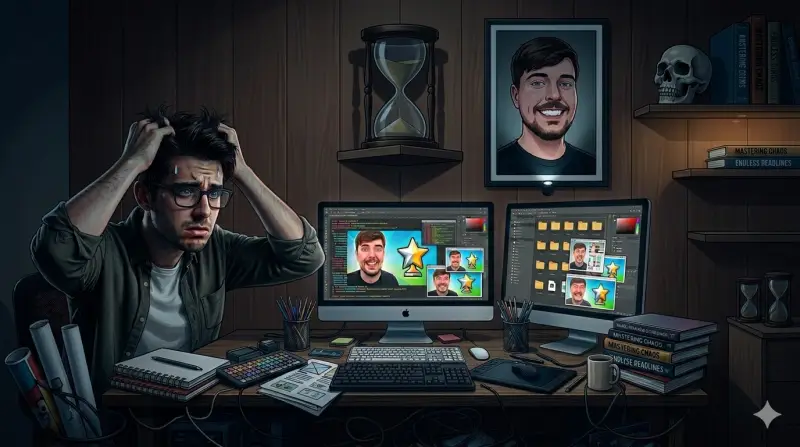
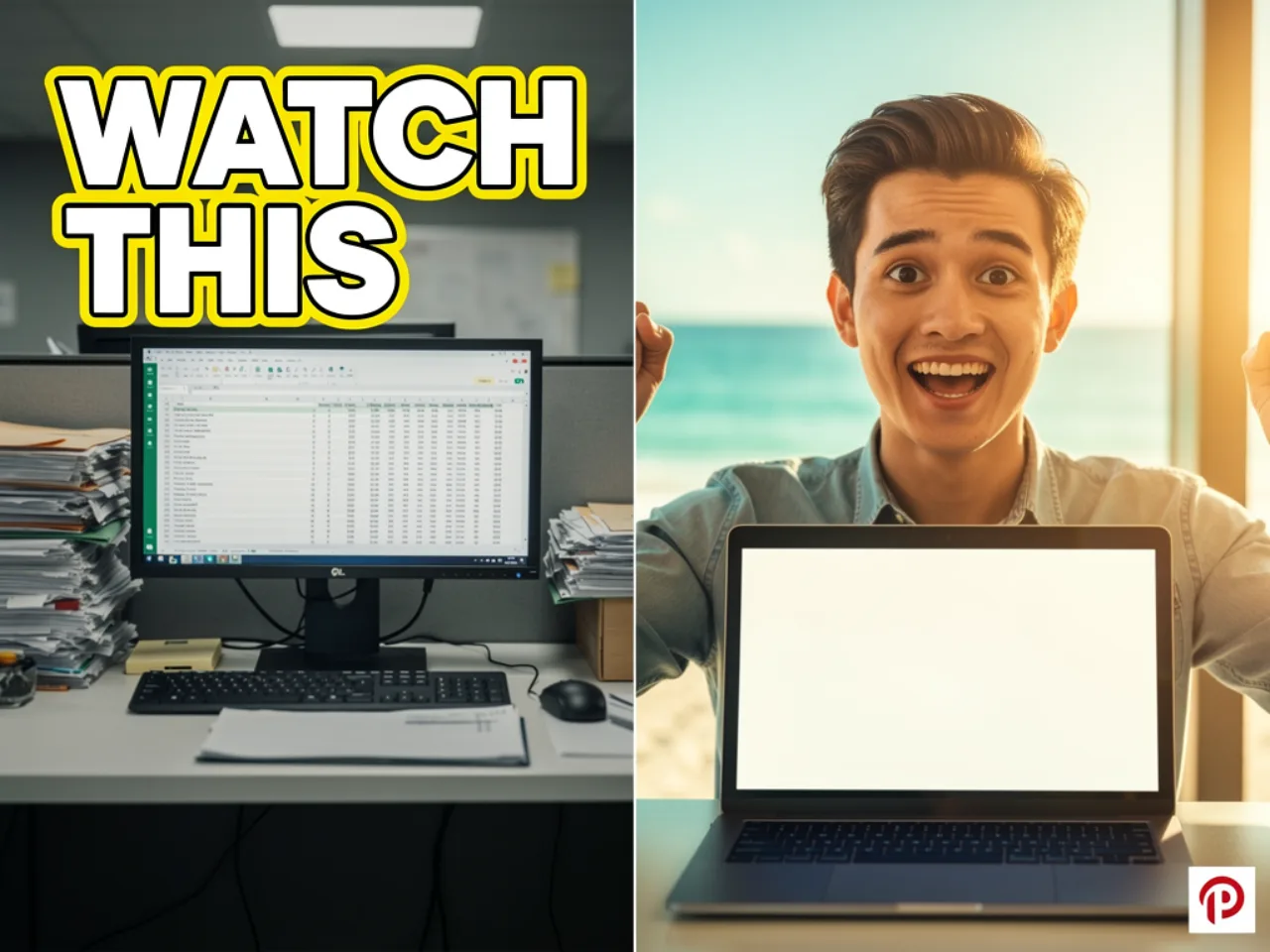
DIY Thumbnails Steal Time
- Takes 2–3 hours per design
- No guarantee it actually works

Freelancers Cost Too Much
- $50–200+ per thumbnail
- Long waits, little control

Big YouTubers Have Teams
- Hard to compete alone
- They test at massive scale
From link to export in three steps
The flow mirrors what you see in the app: fewer tabs, fewer tools, more time spent choosing the cover that fits the video.
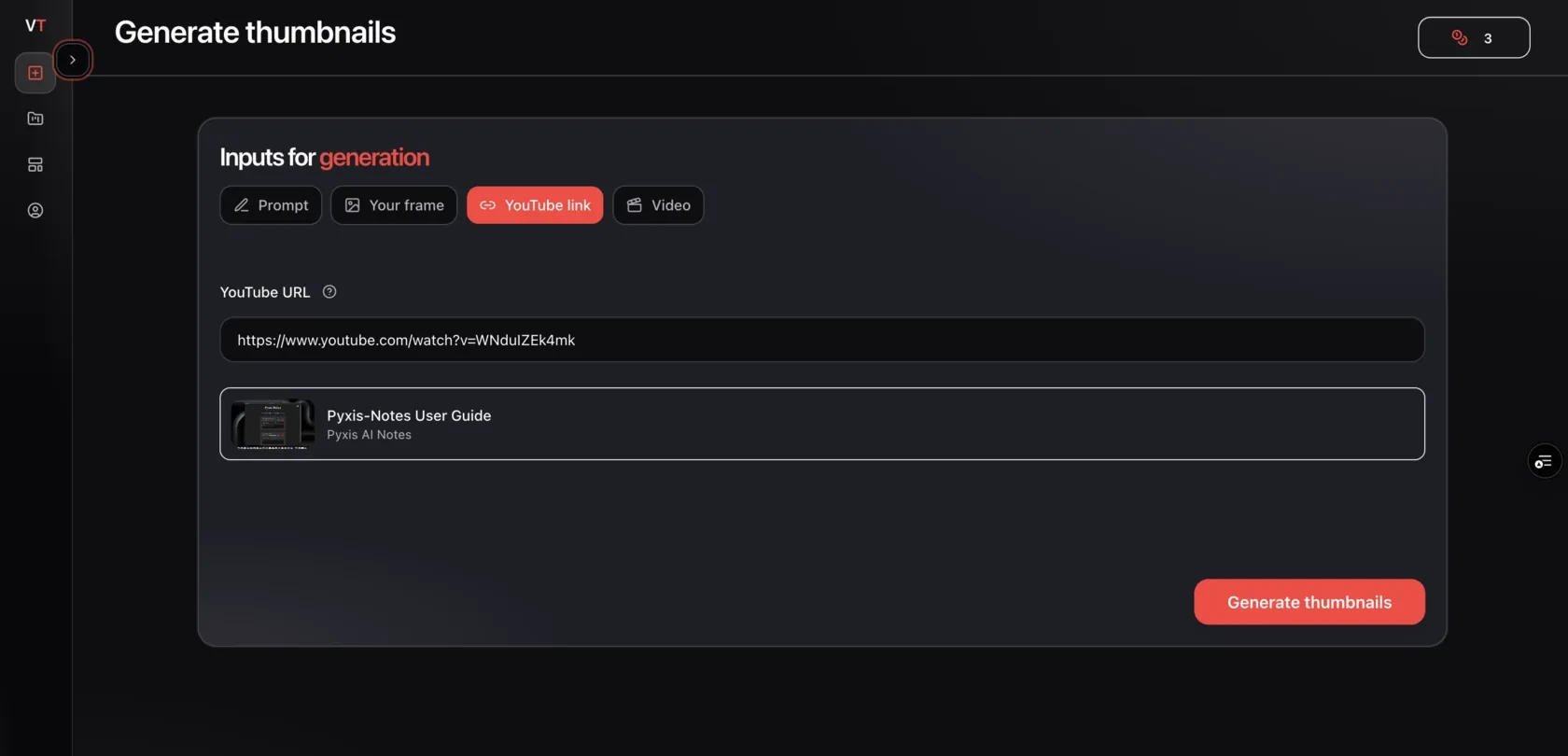
Drop your video link
Paste a YouTube URL. We read the title and topic so the thumbnail direction matches the upload.
- Works with public YouTube videos
- Niche and topic inform the layout
- No manual brief required to start
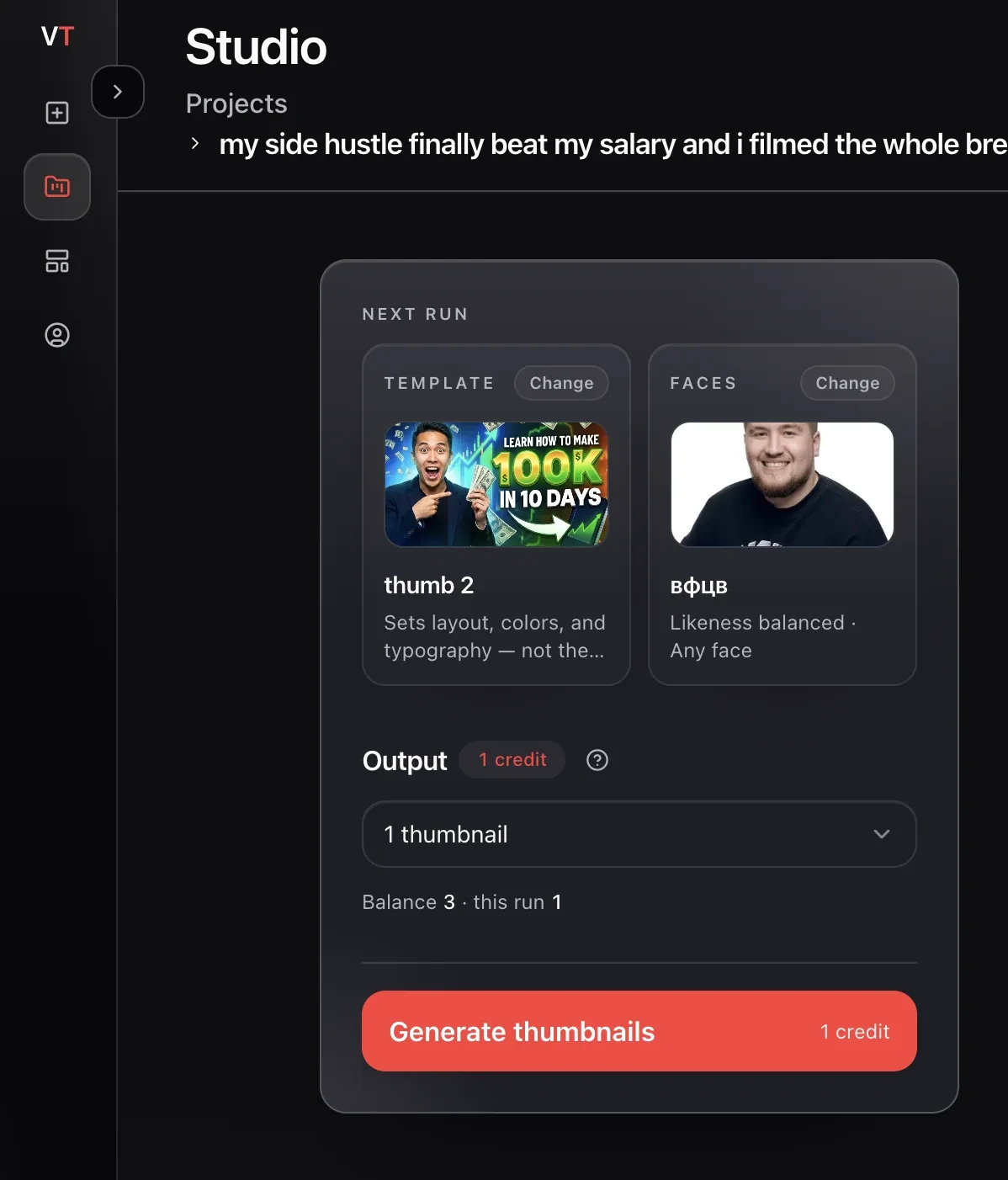
Pick a preset and add your face
Choose a winning layout, upload a reference if you have one, and attach a saved face when you want to appear on the cover.
- Preset library based on proven layouts
- Optional reference thumbnail upload
- Faceless covers still supported
Compare variants and export
Review a small batch, keep the strongest option, and download a file ready for YouTube.
- Multiple variants per run
- Light edits before export
- Download when you are happy with one
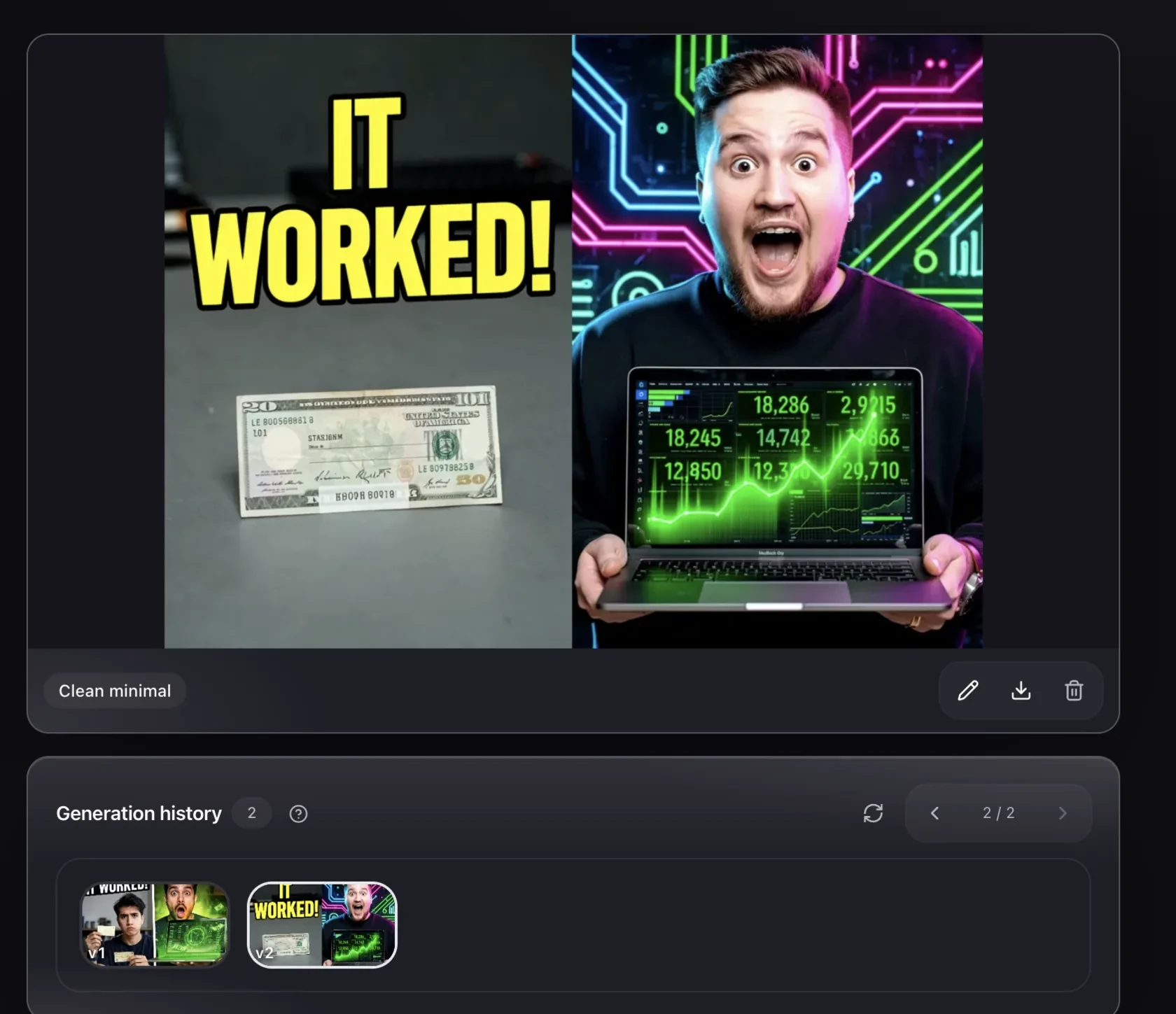
What changes when the layout is built for clicks
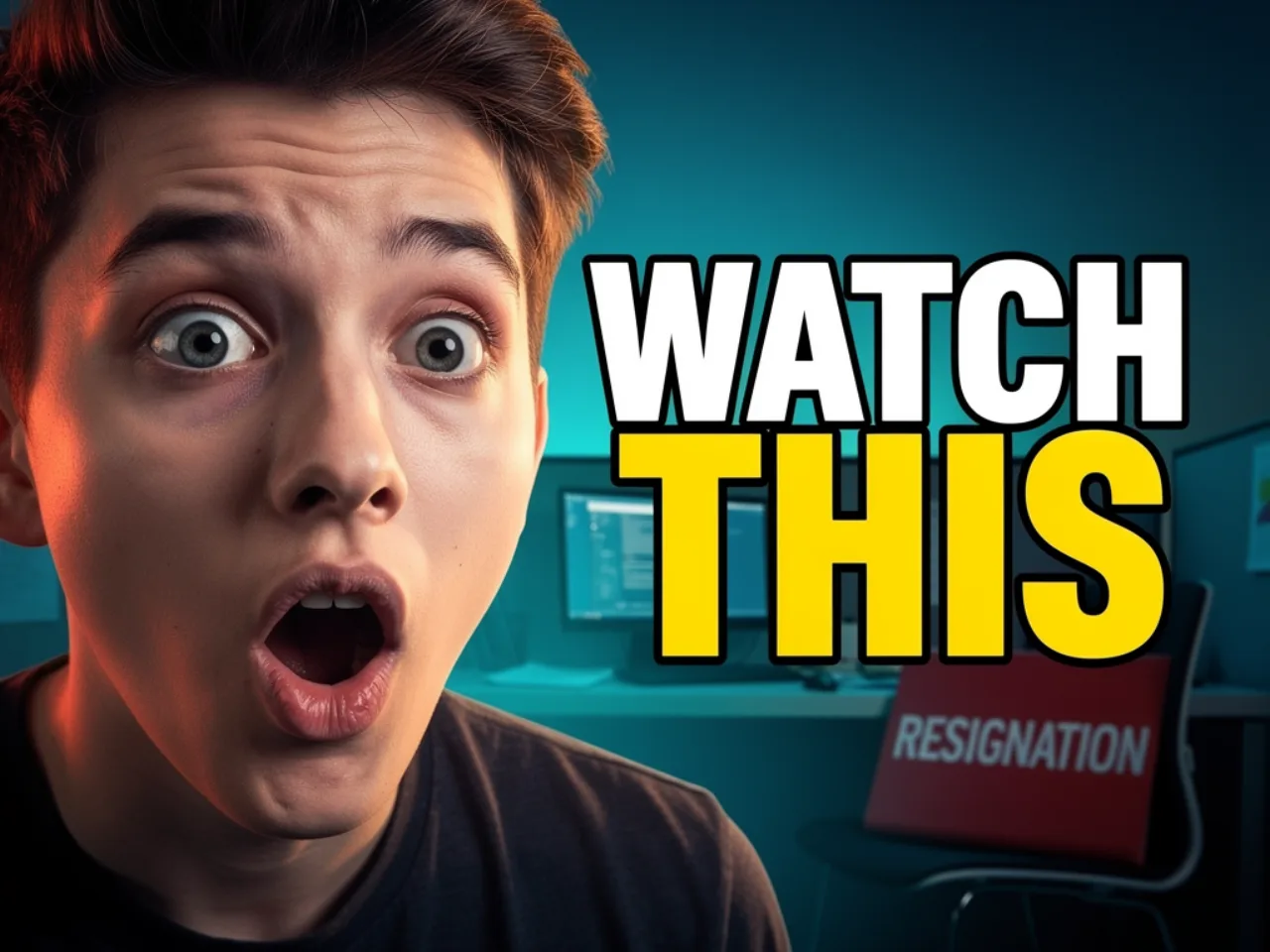
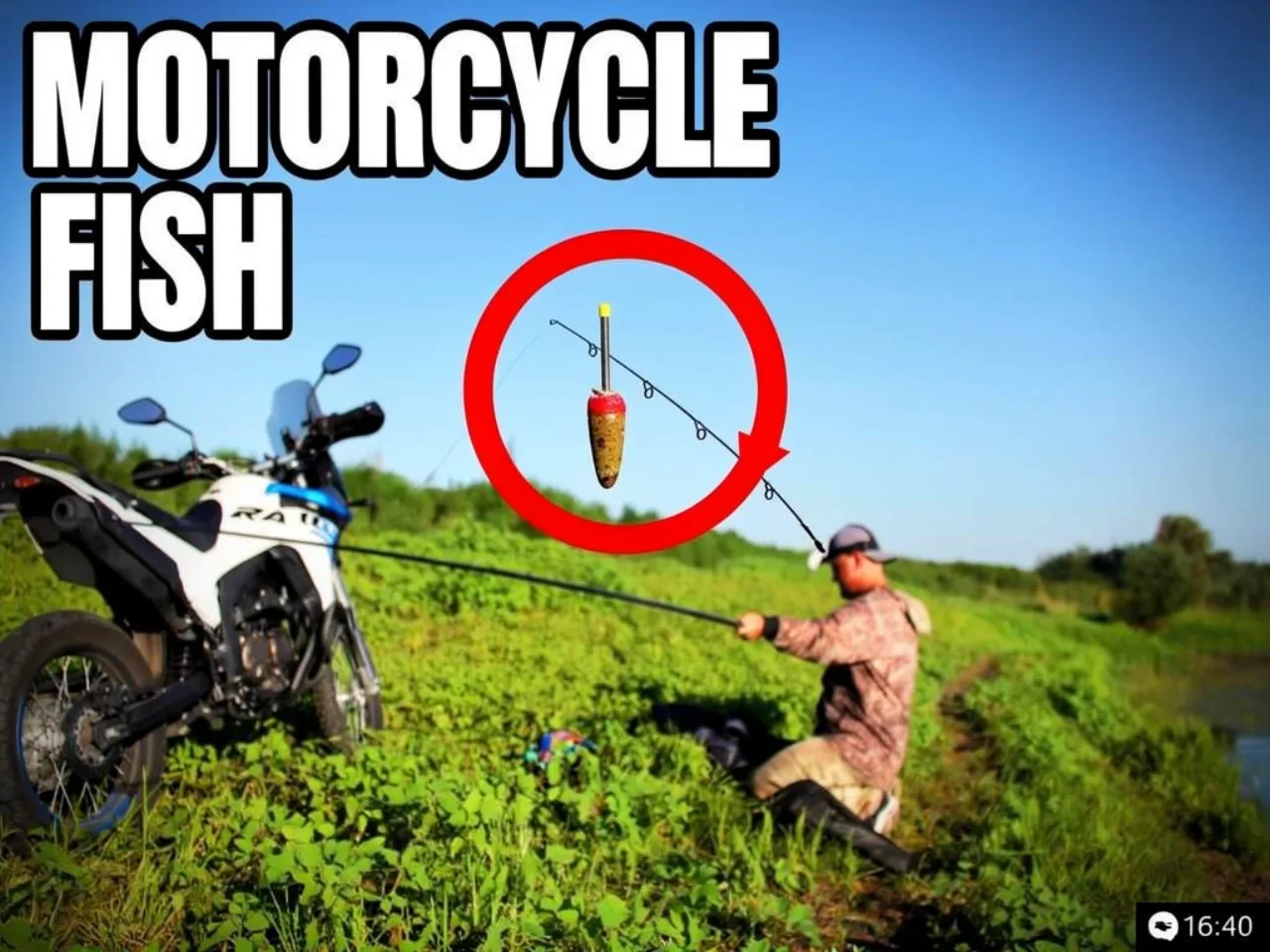
Same video, different cover. The goal is not a prettier image — it is a thumbnail that still reads when YouTube shrinks it on mobile.
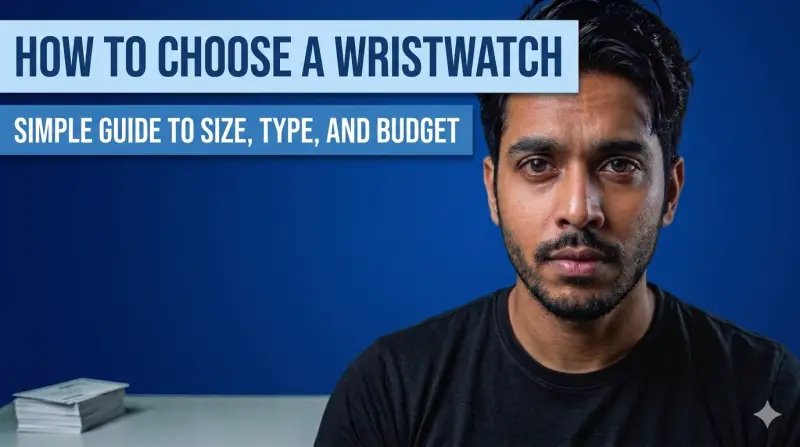 Generic cover
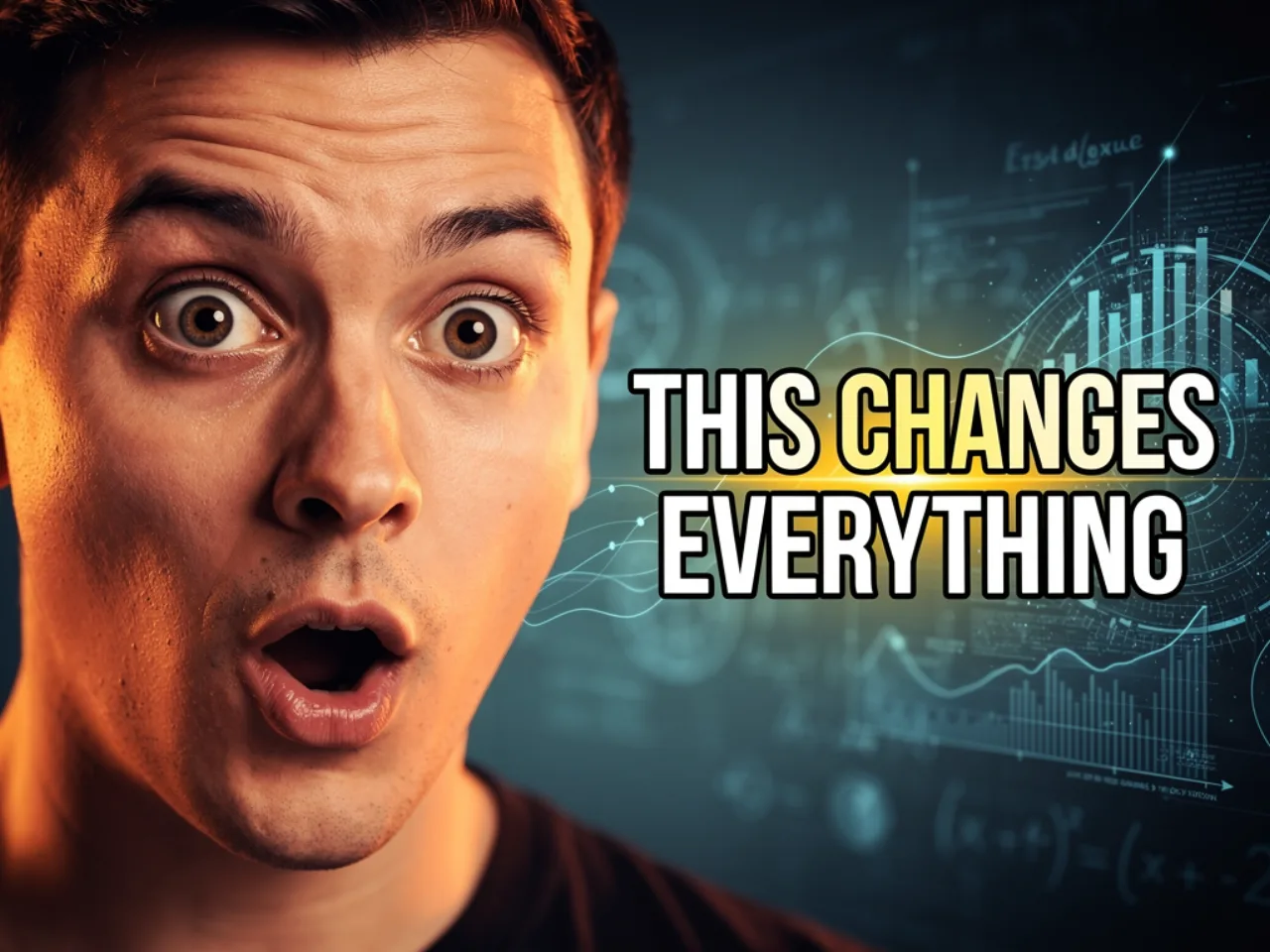
 Layout tuned for the feed
- Stronger subject separation at small size
- Higher contrast between face and background
- Copy that reads in the feed, not only on desktop
What you get after signup
The landing page shows the output. The app is where presets, face refs, variants, and exports live in one place.
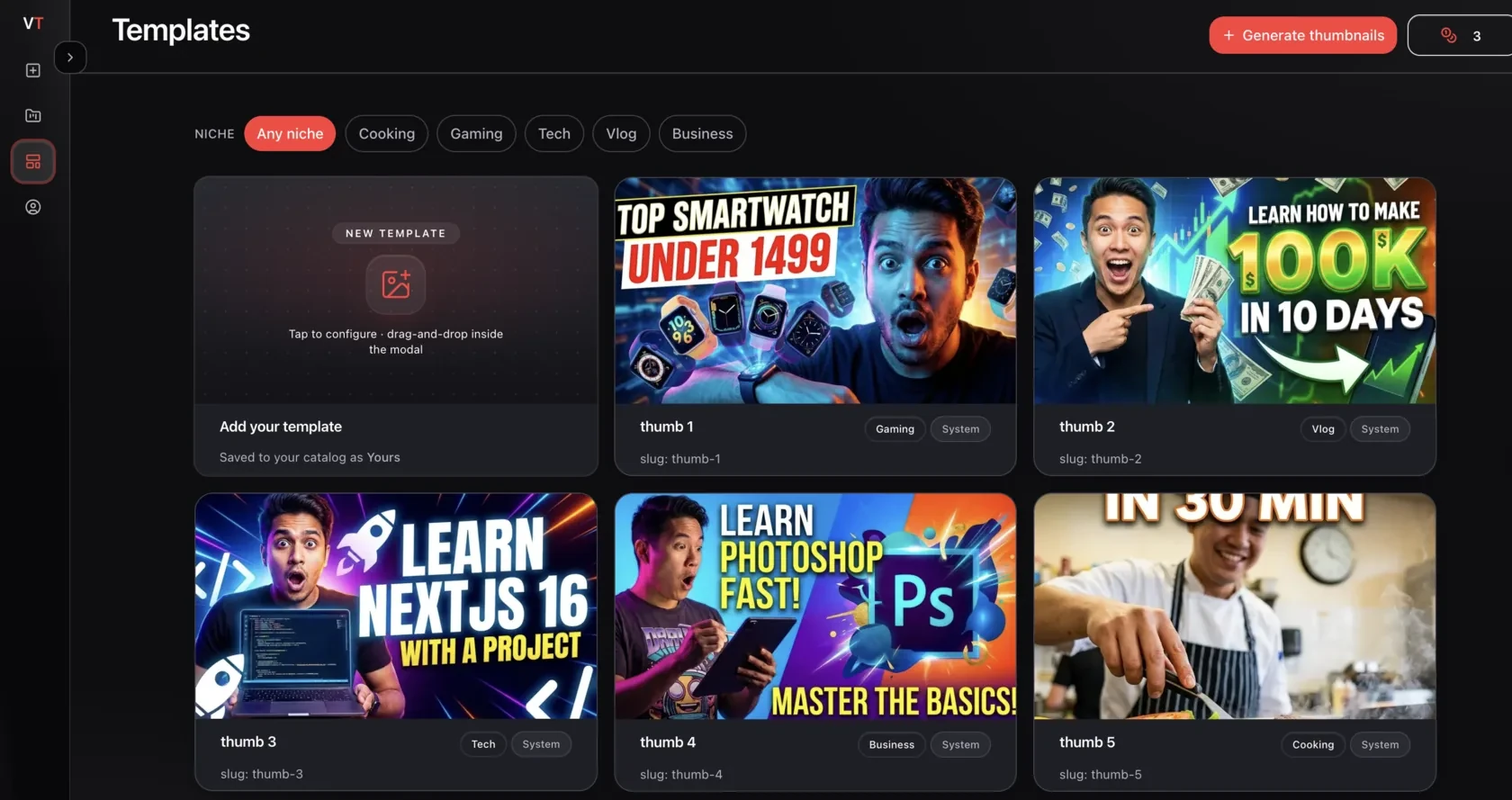
Templates from channels that already win clicks
Start from presets modeled on high-performing layouts instead of a blank canvas.
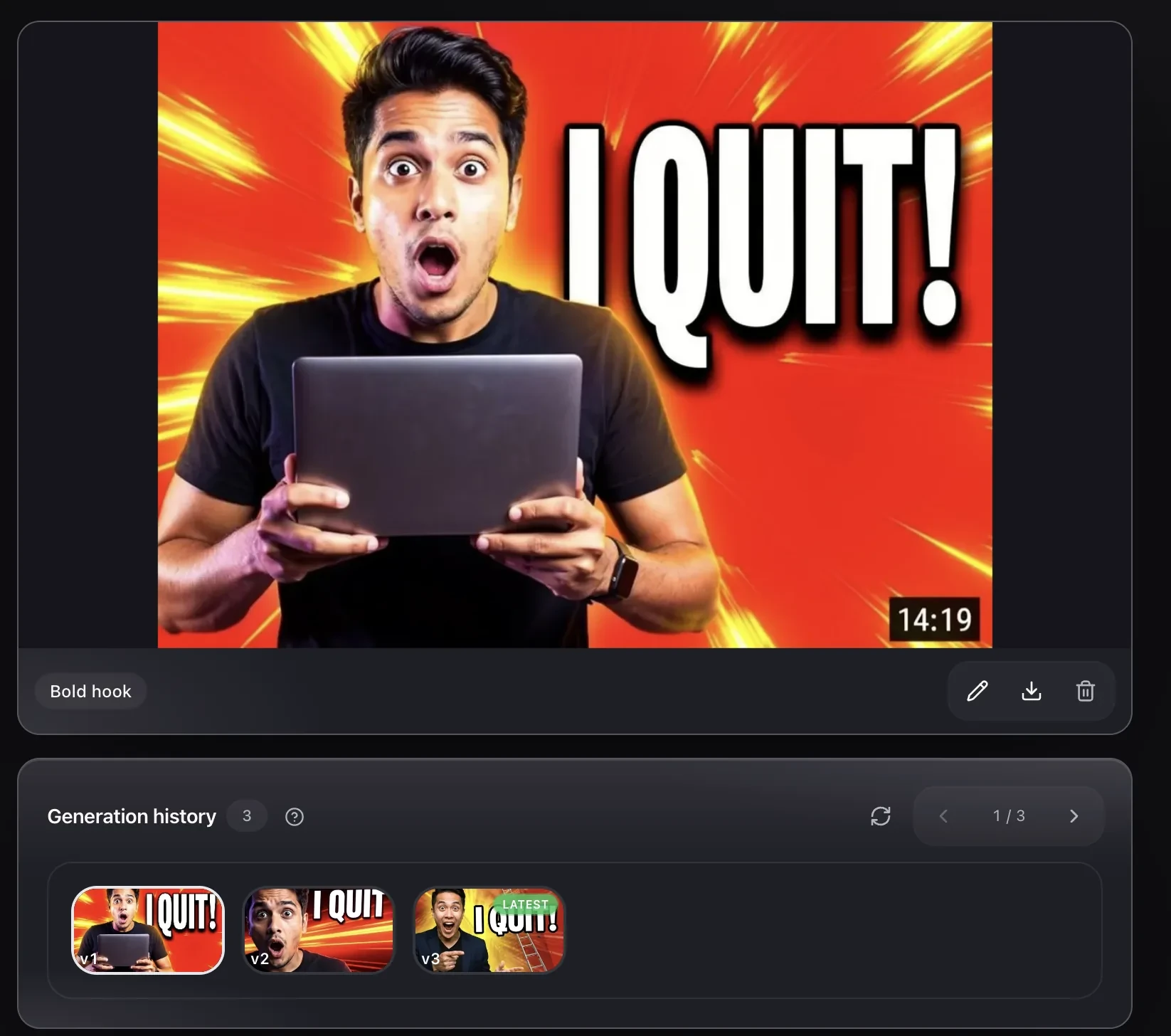
Multiple variants per project
Generate a small set of options, compare side by side, and pick the one that fits the title.
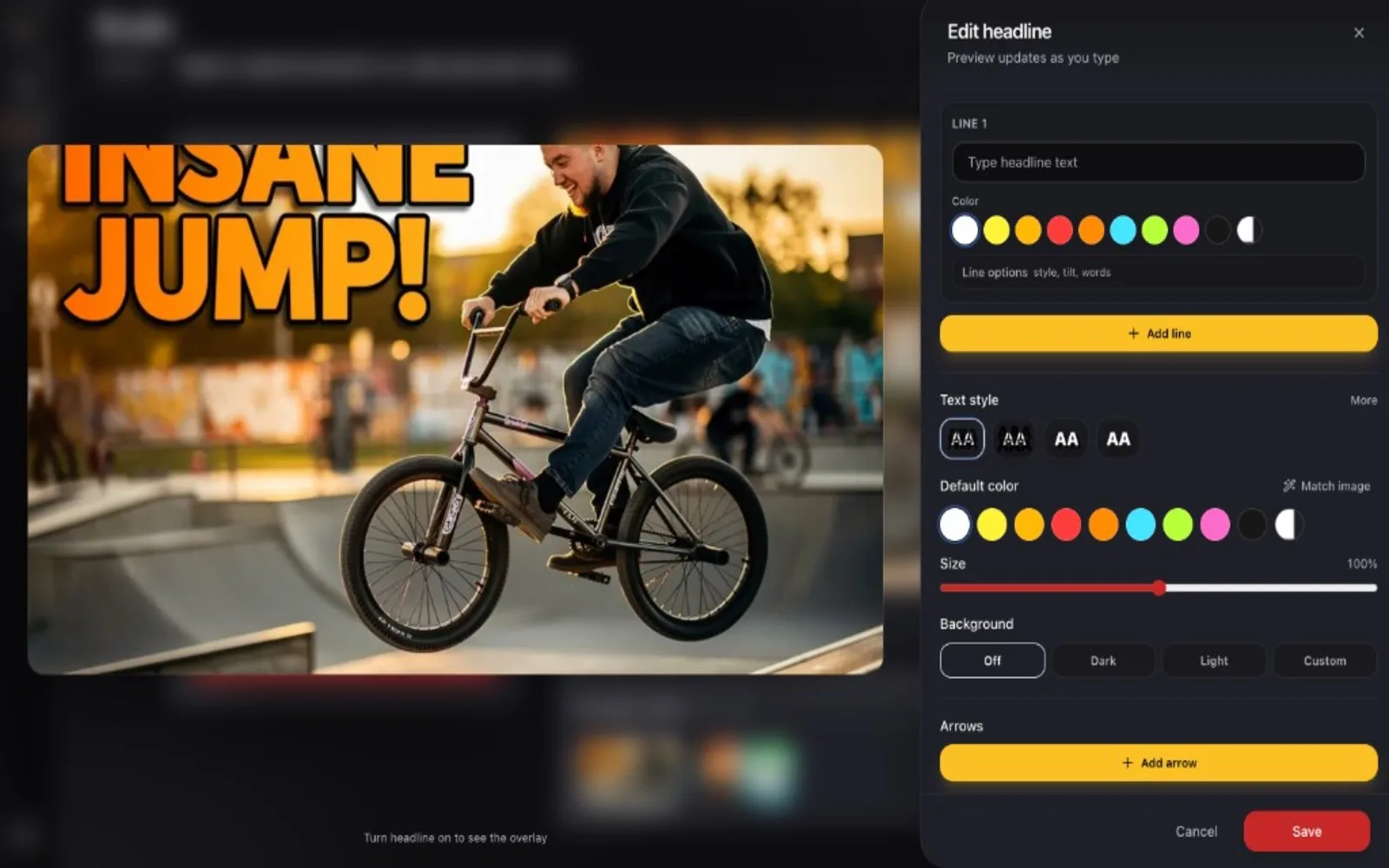
Your face, your text, your edits
Add a face reference, adjust expression or outfit, and refine copy without leaving the workspace.
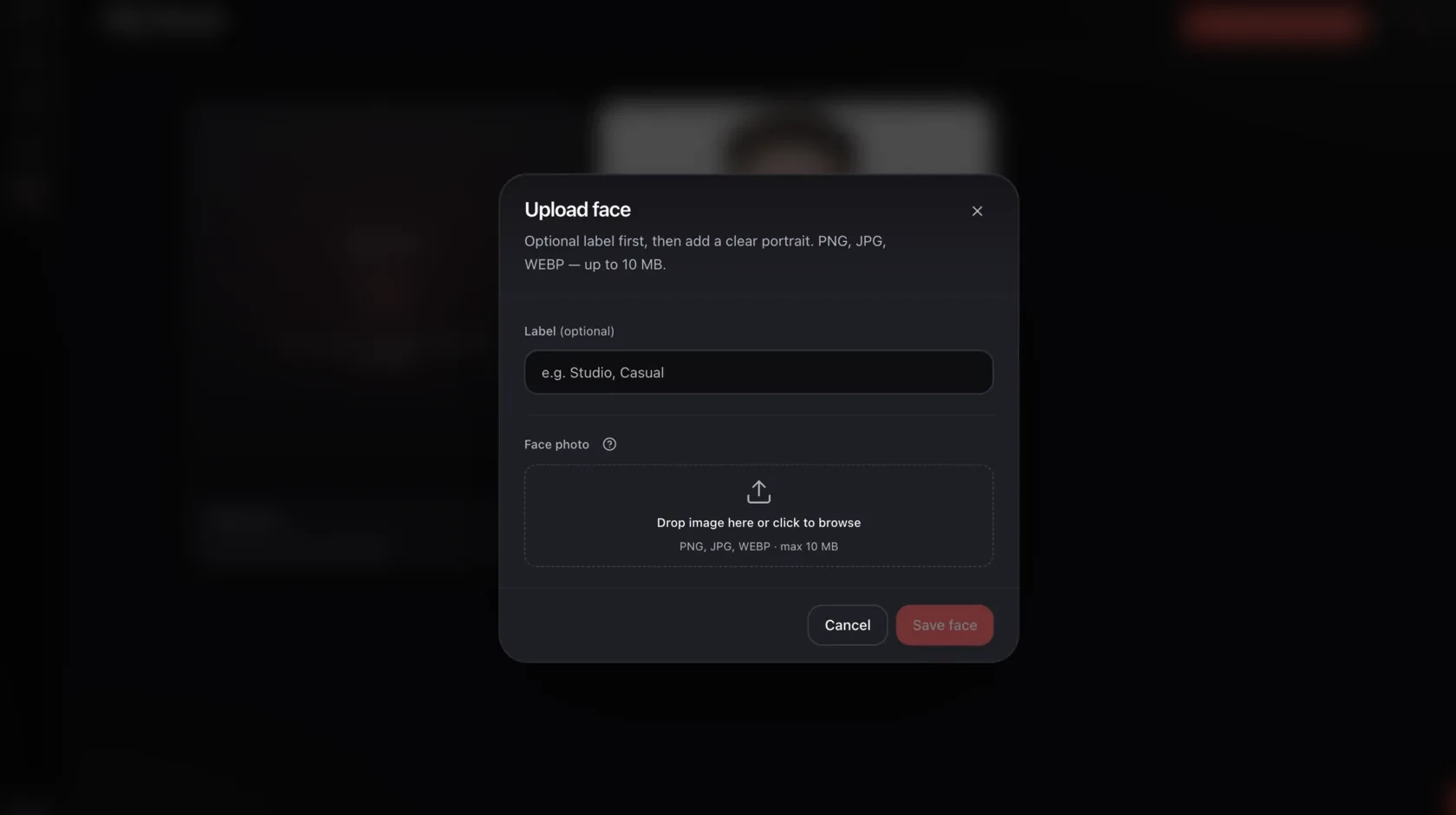
Face references that stay on-brand
Save references once and reuse them across uploads so your channel looks consistent.
Why Creators Switch to AI Thumbnails
YouTubers with 5–30K subscribers are replacing expensive designers and hours in Canva with AI thumbnails that actually perform.
Estimates based on typical creator workflows. Results vary by niche and content.
Start free, top up when you need more
One-time credit packs — same pricing you see in the app after signup. No monthly subscription or hidden reset.
Free starter
Try the full studio with 3 starter credits — enough for a quick prompt run or a shorter batch.
- 3 starter credits on signup
- YouTube link, video upload, or text prompt
- Preset templates and saved face references
- Multiple variants per project
- Export and saved projects
- No recurring charge
Pack 100
Light top-up after you finish the starter balance.
- 100 one-time credits
- YouTube link, video upload, or text prompt
- Preset templates and saved face references
- Multiple variants per project
- Export and saved projects
- No subscription
Open the same studio you saw on this page
3 free starter credits. No card. If the workflow clicks, buy a one-time pack later — if not, you still saved a few hours in Canva.
No tech or design skills needed.